About Frame Weaver Pro
Frame Weaver Pro is Frame Weaver with the Pro subscription active. It keeps everything Frame Weaver does and adds Frame Weaver Pro Immersive Galleries: galleries on the web that your visitors walk through, where your framed work hangs on the walls at its true size, with frames that have real depth.
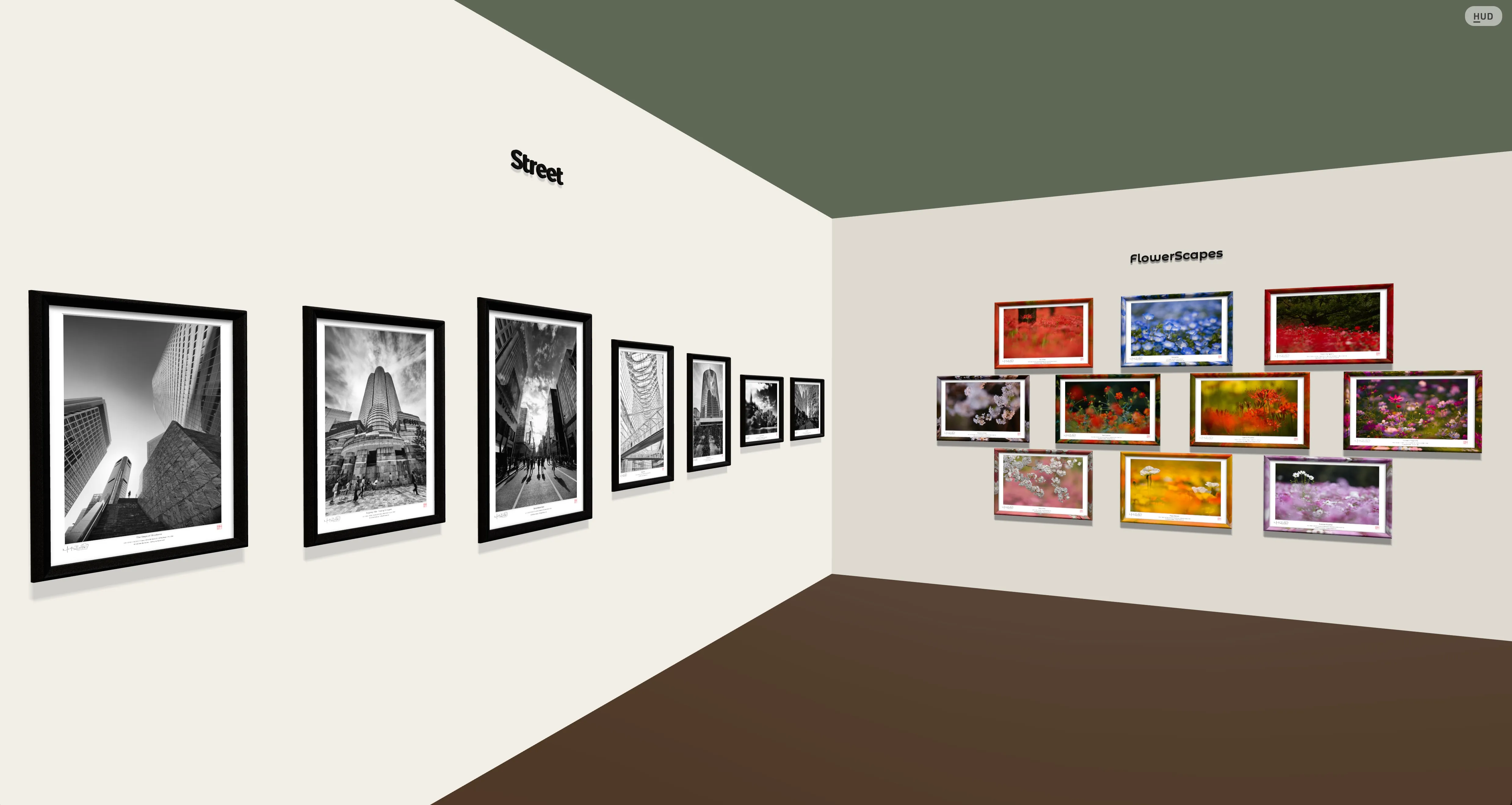
This manual has two parts. The first covers what Frame Weaver Pro adds to the Frame Weaver app: subscribing, and sending your framed work to your Gallery from a single export, from Autopilot, and from External Editor Delivery. The second covers the Galleries themselves: what visitors see, the Main Console where you keep your pieces and galleries, the Gallery Console where you arrange each Gallery, and showing your Galleries on your own website.
Everything about framing an image, presets, Autopilot, and External Editor Delivery that is not particular to Frame Weaver Pro is in the Frame Weaver User Manual.
Terms Used in This Manual
Section titled “Terms Used in This Manual”- Frame Weaver Pro: the Frame Weaver app with the Pro subscription active.
- Frame Weaver Pro Immersive Galleries: the galleries at gallery.fictionloom.com. One of them is a Gallery.
- Piece: one framed image in your Gallery library, made from a Frame Weaver export.
- Library: all the pieces you have sent to your Galleries, filed in folders, whether or not they hang anywhere.
- Building: all your Galleries together. Each Gallery is a floor, and visitors go between floors by the elevator.
- Main Console: the page where you manage your pieces, your Galleries, and your account.
- Gallery Console: the panel beside a Gallery where you build and arrange it.