Frame Weaver Pro: External Editor Delivery
When Frame Weaver processes images from its incoming list, or from the Lightroom Classic and Capture One plug-ins, it can make gallery pieces of them too.
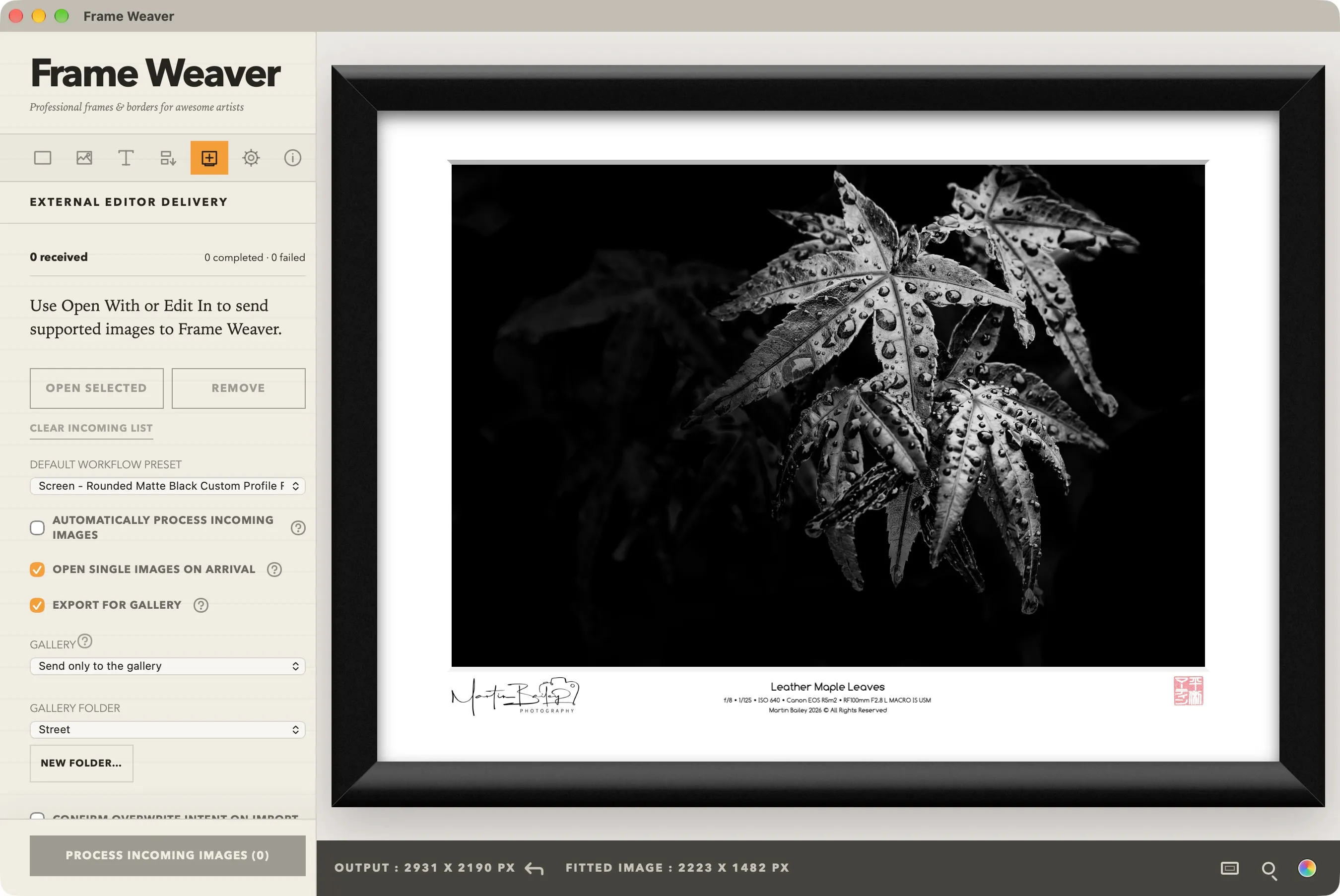
The Gallery Pulldown
Section titled “The Gallery Pulldown”Under Export for gallery, the Gallery pulldown has three settings:
- Gallery package saved locally (the default): each piece is written as a package to the gallery packages folder shown below the pulldown, and the framed image is delivered as usual.
- Send to gallery and process: each piece is sent to your library, into the chosen gallery folder, and the framed image is still delivered beside the source, or back into Lightroom Classic or Capture One.
- Send only to the gallery: the piece is sent and nothing else happens. No framed image is made, nothing is written beside your image, and Frame Weaver does not ask before overwriting, because nothing is overwritten.
The piece is made before the delivery, and each item’s message says how it went. A piece that cannot be made does not hold up the delivery.
On iPhone, iPad, and Android the pulldown offers only the two sending settings.
The Gallery Packages Folder
Section titled “The Gallery Packages Folder”With Gallery package saved locally, packages go to the gallery packages folder you choose. Until you choose one, they go to your output folder, or, for an incoming image with no output folder, beside the image. Send to Your Output Folder Instead or Send Beside Each Image Instead gives up a chosen folder.
From Lightroom Classic and Capture One
Section titled “From Lightroom Classic and Capture One”An edit sent from Lightroom Classic or Capture One with Send only to the gallery imports nothing back into the catalogue and shows no error: the piece is in your Gallery library.