MXD User Manual
Remote Control and Performance Interface for KORG Minilogue XD.
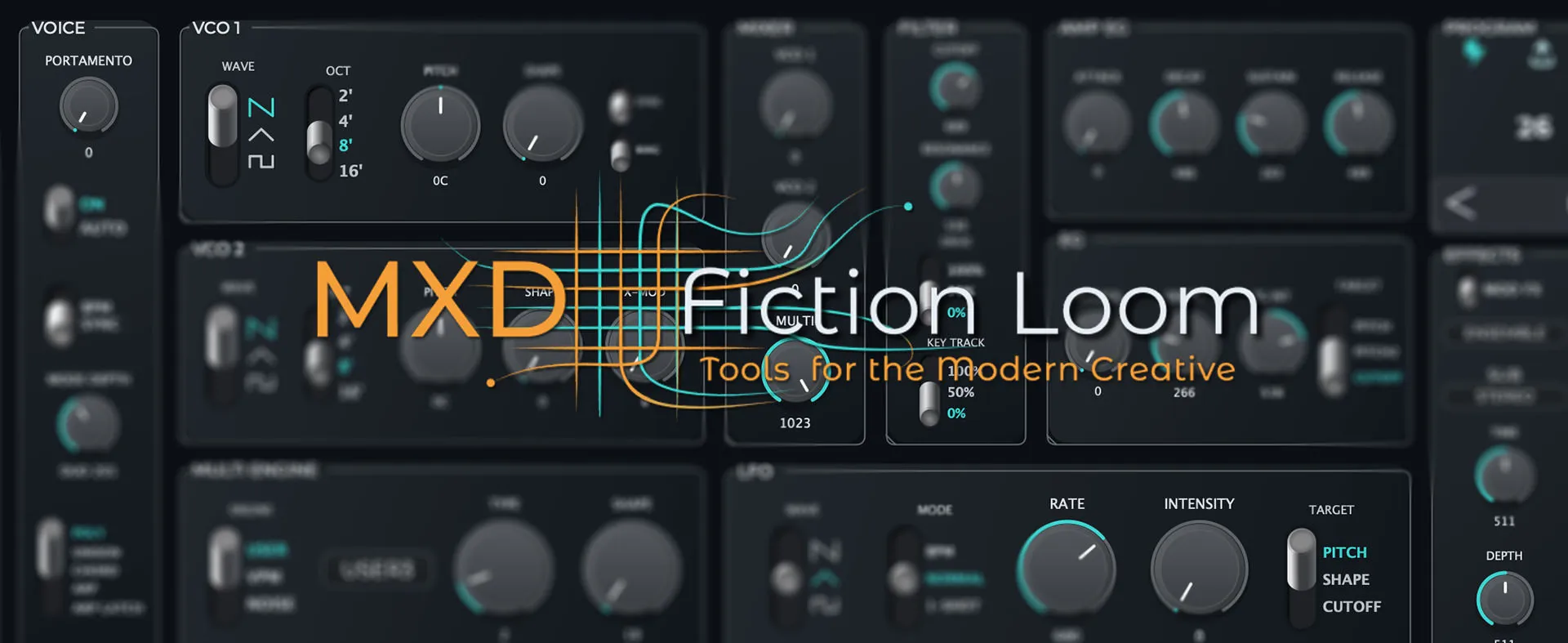
MXD is a modern editor, remote control, automation bridge, and performance tool for the KORG Minilogue XD synthesizer. It provides a large, clear interface for shaping sounds, managing the current program, and includes a sequencer and motion management interface, making these more obscure features of the Minilogue XD more accessible and fun!
MXD is available as a standalone application and as plugin formats for use inside a host. In every case, it is designed to work with a connected Minilogue XD hardware synth.
What is MXD For?
Section titled “What is MXD For?”MXD is designed for musicians who want faster, deeper access to the Minilogue XD than the hardware panel alone can provide. It keeps the synth at the center of the experience while adding a bigger editing surface, clearer parameter feedback, and a stronger workflow for saving, restoring, and automating changes.
With MXD, you can:
- Connect directly to a Minilogue XD over MIDI and USB MIDI.
- Edit the current program from a large desktop interface.
- Edit the Minilogue XD sequencer, including notes, chords, velocity, ties, rests, transposition, and Motion data.
- Save reusable sequencer presets and load them into other programs.
- Use named automation parameters inside a DAW.
- Import and export program SysEx files.
- Adjust advanced settings such as micro tuning, CV assignments, and VPM parameters.
- Activate and manage your Fiction Loom MXD license without leaving the app.
CAUTION! MXD is not a software synthesizer. It controls and edits the connected Minilogue XD hardware.
Available Formats
Section titled “Available Formats”- Standalone: ideal for direct editing, sound design sessions, and working away from a DAW, and performance.
- VST3: ideal for automation, project recall, and hardware integration inside your DAW.
- AU: the Audio Unit version for compatible hosts on macOS.
What You Need
Section titled “What You Need”To use MXD properly, you need:
- A KORG Minilogue XD.
- A working MIDI connection between the computer and the synth.
- A valid Fiction Loom MXD license, available for purchase at fictionloom.com/mxd.
For plugin use, you also need a host that supports VST3 or AU, and a proper MIDI routing setup between the host, the MXD, and the Minilogue XD. Most of the time, connecting the Minilogue XD to your computer via a USB cable is the easiest route.
New to MXD? The Quick Start Guide gets you connected and up and running fast. Then read on: