MIDI Learn
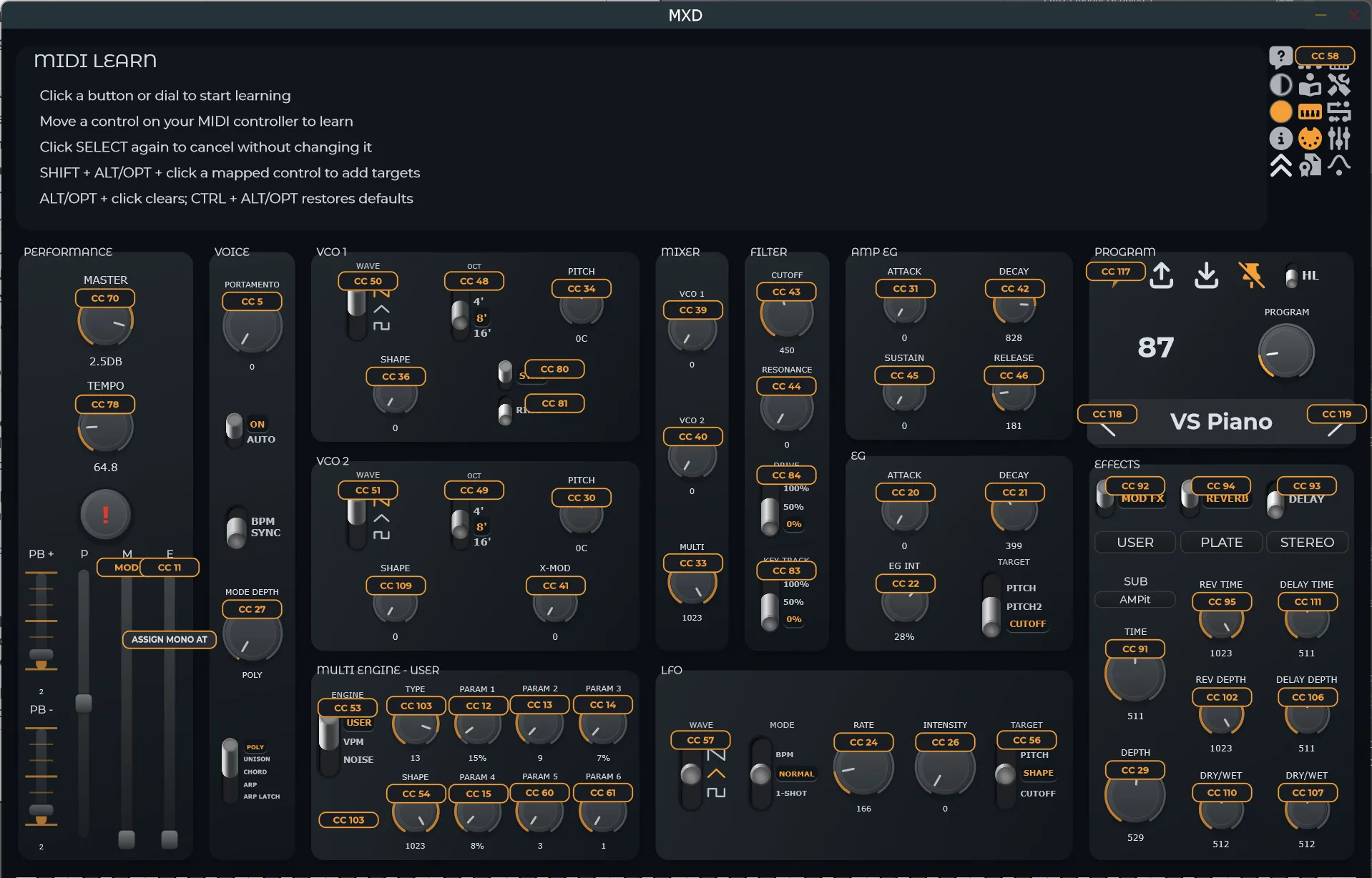
MIDI Learn lets an external MIDI controller operate MXD controls without first automating them in the DAW.
- Select the controller in the CONTROLLER field.
- Click the MIDI Learn icon.
- Click the MXD control you want to map.
- Move the hardware knob, fader, button, or pedal that should control it.
During MIDI Learn, assigned controls shows CC badges over the controls. The currently selected control is shown more prominently than controls that are already assigned. Hold CTRL + ALT and click a parameter to restore the default CC number for that control.
MIDI Learn supports normal synth parameters and these STATE CONTROL actions, FILTER 0, START, STOP, LOOP, REC, and OPEN/CLOSE
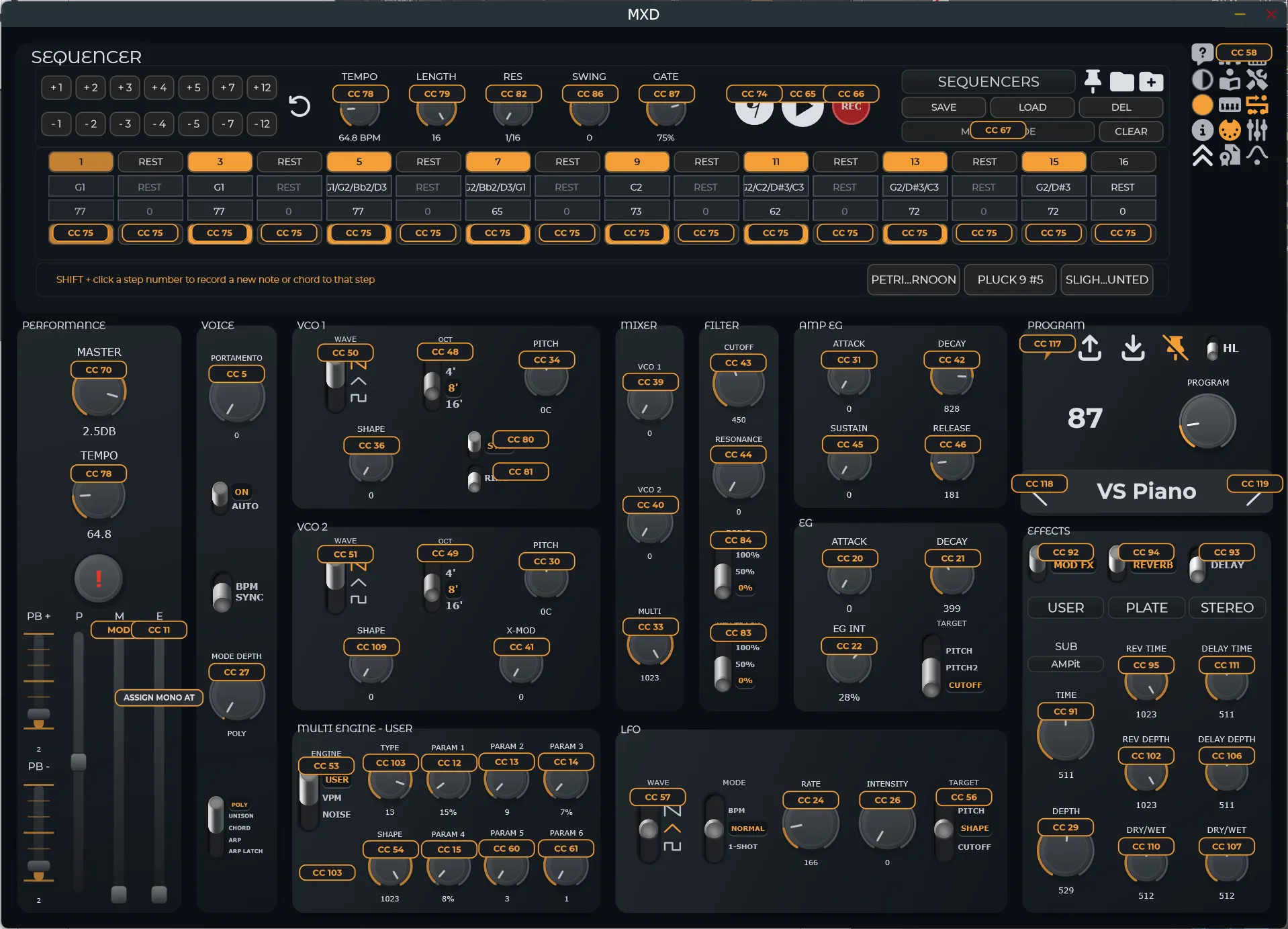
MIDI Learn also supports MXD sequencer and Motion controls, including:
- Sequencer transport
- Sequencer note recording
- Sequencer Motion Mode
- Motion slot recording
- Sequencer tie
- Tempo, length, resolution, swing and gate
- Sequencer punch/step selection
- Sequencer or Motion value adjustment
- Motion slot selection
MIDI Learn also supports the MACRO tab’s controls:
- REC, OVERDUB, PLAY/STOP and LOOP (default CCs 3, 9, 104 and 25)
- UNDO and REC SEQUENCER NOTES
- START/STOP SEQUENCER (CC 65, as on the Sequencer tab)
- In the plug-in: DAW AUTOMATION: CAPTURE / EDITS
- In the standalone: the metronome, COUNT IN, the two TIME SIG numbers, and PROGRAM RESET AT START, STOP and LOOP
Buttons toggle with each press. COUNT IN and TIME SIG are dials: the dial’s travel is divided evenly between their choices, so turning it steps through them.
Header dial: in MIDI Learn, click the Local Library, Sequencer, Motion or Macro icon on the icon rail (one badge covers all four), then turn a knob. Turning it steps through no open view, STATE CONTROL (in a DAW), Local Library, Sequencer, Motion and Macro, just as clicking their icons would. The Macro Centric mapping puts the header dial on CC 58.
STATE CONTROL action mappings use rising-edge button behavior. A CC value crossing from below 64 to 64 or above toggles the action once, and the control must fall below 64 before it can toggle again.
Parameter MIDI Learn mappings are saved as global MXD preferences, so they are restored in both standalone and plugin use. A DAW project can also save its own parameter mappings; if that project state contains a non-empty parameter mapping set, those project mappings override the global defaults while that project is open.
STATE CONTROL action mappings are plugin/project-only. They are saved with the DAW project and are not stored as global parameter preferences.