Advanced Settings
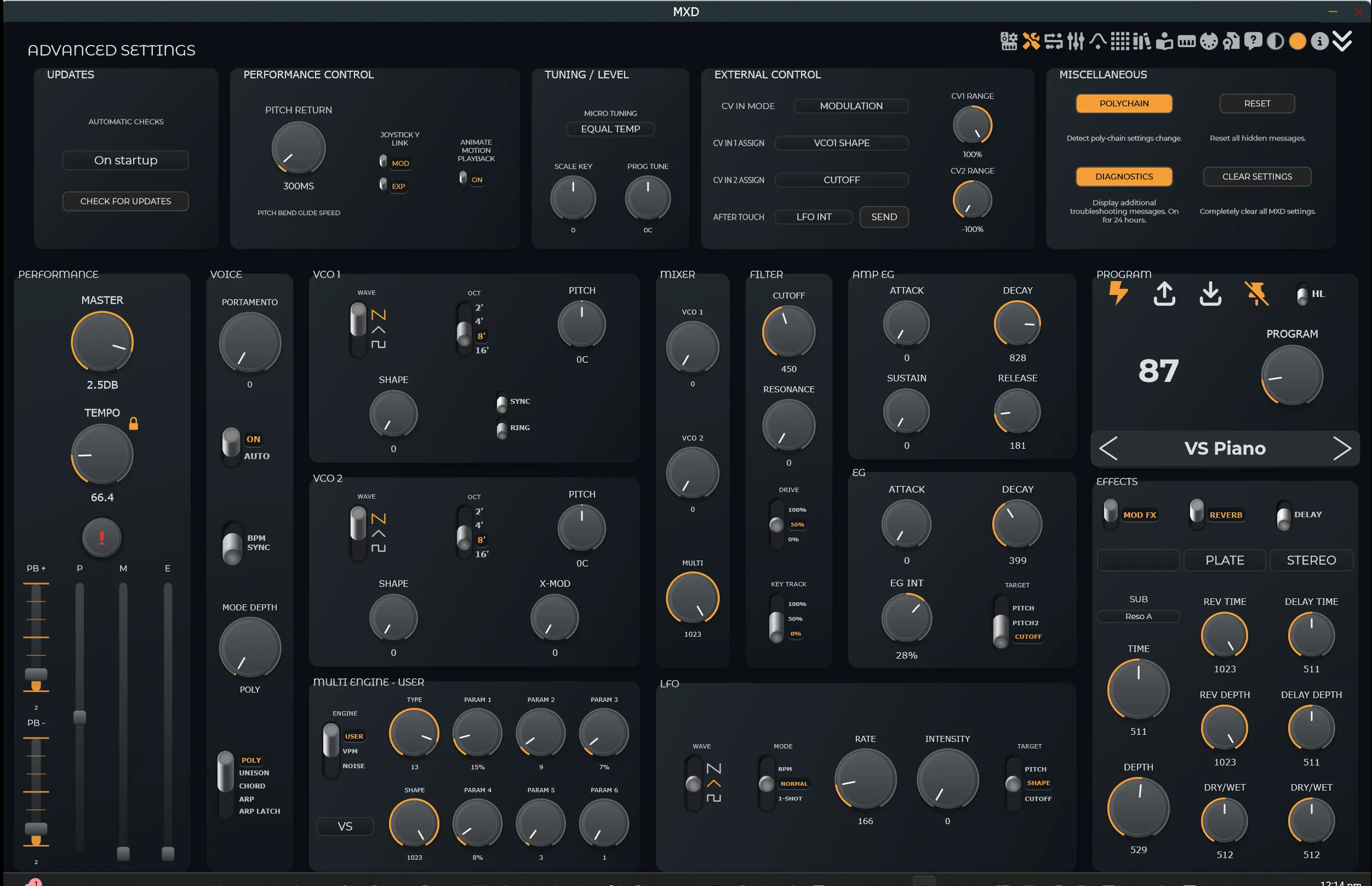
The Advanced Settings icon opens deeper settings that are less convenient to keep on the main page.
Tuning
Section titled “Tuning”- Scale Key
- Program Tune
- Micro Tuning
Pitch Bend
Section titled “Pitch Bend”- Pitch Bend Glide Speed / Pitch Return
External and CV Settings
Section titled “External and CV Settings”- CV In Mode
- CV In 1 Assign
- CV In 1 Range
- CV In 2 Assign
- CV In 2 Range
- Aftertouch assignment
Aftertouch and Controller Input
Section titled “Aftertouch and Controller Input”The Advanced window still contains the Minilogue XD aftertouch assignment setting, but MXD’s expression-performance lane now allows the MIDI Mapping of the E (Expression Slider) to any CC number, and has a button if you want to ASSIGN MONO AT (Channel Pressure).
IMPORTANT: Your MIDI controller/keyboard must be set to Mono Aftertouch for this to work. The Minilogue XD does not support polyphonic aftertouch.
Miscellaneous
Section titled “Miscellaneous”The Miscellaneous area has the following buttons
- POLYCHAIN asks the Minilogue XD whether Poly Chain is on. MXD checks this automatically when it connects to your XD. If you change the XD’s Poly Chain setting during a session, press POLYCHAIN so MXD can update, since it works with your XD differently in Poly Chain mode.
- RESET will reset the hidden confirmation messages. Use it if you previously selected a “don’t show this again” option and want MXD to show those warnings again.
- DIAGNOSTICS and LOG MIDI switch MXD’s troubleshooting on, each on its own, so you can use either or both. DIAGNOSTICS shows extra MIDI routing and troubleshooting messages in the STATUS and MIDI I/O panels of the header, and MXD’s window size after you resize it, which helps when taking screenshots. LOG MIDI records every MIDI message MXD sends and receives, and keeps a copy of each program exchanged with your Minilogue XD. While either is on, and only then, MXD writes its logs to one folder:
- Windows: %APPDATA%\MXD\Logs
- macOS: ~/Library/MXD/Logs. The Library folder is hidden in Finder; use Go > Go to Folder and type the path.
DIAGNOSTICS writes MXD-diagnostics.log, and in a DAW an MXD Transport Trace file for each session; LOG MIDI writes MXD-midi-diagnostics.log and the SysEx folder. These are the files to attach to a support ticket. With both off, MXD writes nothing to the folder. Each stays on across restarts for 24 hours, then switches itself off. Leave them off unless you’re troubleshooting, or support has asked for them. 4. CLEAR SETTINGS will clear all of your MXD settings, except for your User License. It also does NOT delete your Local Libraries or Set Lists.